
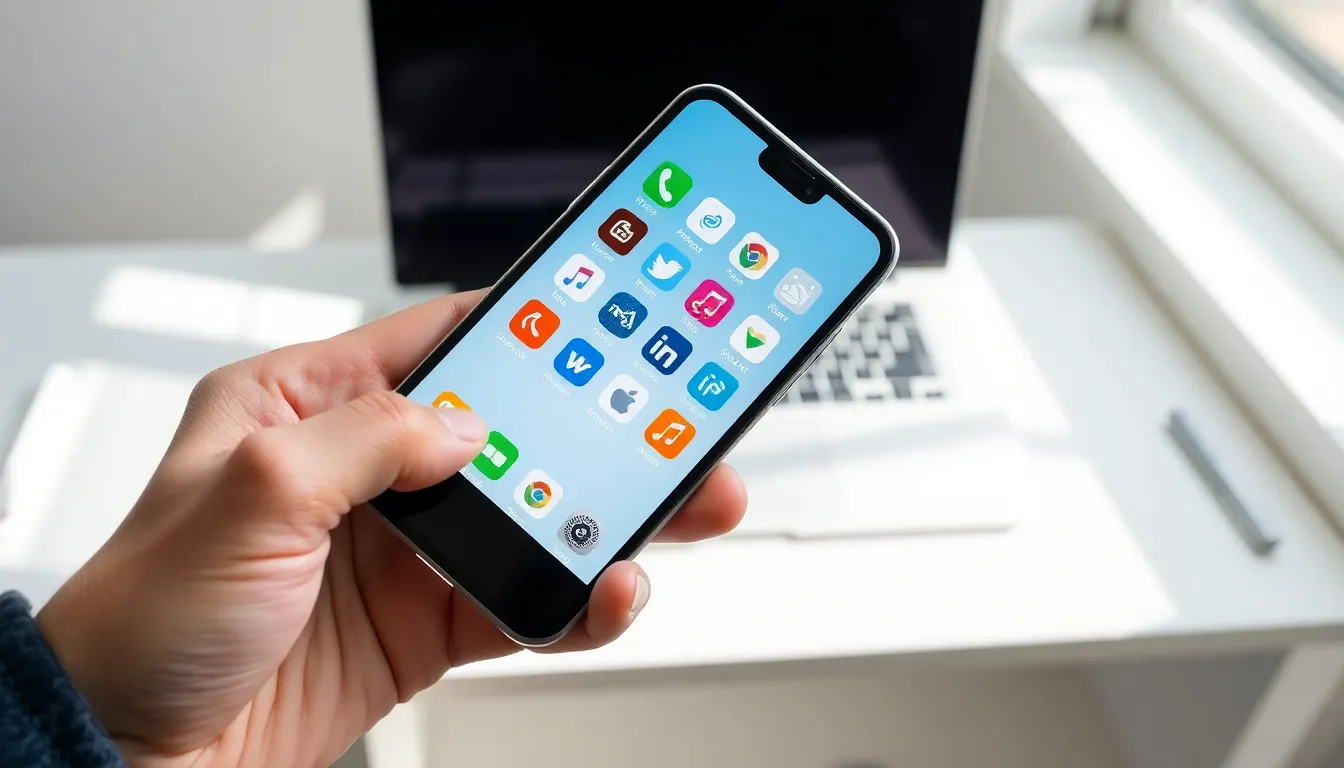
Mobile apps have become essential tools in daily life. From banking to fitness tracking, these small software programs run on smartphones and tablets to solve real problems. In 2024, users downloaded over 257 billion mobile apps worldwide. That number keeps growing each year.
This guide explains what mobile apps are, how they function, and how to pick the right ones. It also covers practical tips for managing apps on any device. Whether someone uses Android or iOS, understanding mobile apps helps maximize their value and avoid common pitfalls.
Table of Contents
ToggleKey Takeaways
- Mobile apps are software applications designed for smartphones and tablets, using APIs to connect with services and device hardware like cameras and GPS.
- The three main types of mobile apps—native, web, and hybrid—each offer different trade-offs between performance, cost, and cross-platform compatibility.
- Choose the right mobile apps by defining your purpose, reading recent reviews, and carefully evaluating privacy policies before installation.
- Keep your mobile apps updated regularly to fix bugs and patch security vulnerabilities that hackers can exploit.
- Delete unused apps every 90 days to free up storage, improve device performance, and reduce unnecessary data exposure.
- Review app permissions periodically and revoke access that seems excessive for the app’s core function.
What Are Mobile Apps and How Do They Work
Mobile apps are software applications designed specifically for mobile devices. They run on operating systems like Android and iOS. Unlike desktop software, mobile apps are built for smaller screens and touch-based input.
The process works like this: A user downloads a mobile app from an app store (Google Play or Apple’s App Store). The app installs on the device and accesses hardware features like the camera, GPS, or microphone. When opened, the app connects to servers through the internet to fetch data or perform tasks.
Mobile apps use APIs (Application Programming Interfaces) to communicate with other services. For example, a weather app pulls data from meteorological databases. A ride-sharing app connects drivers and passengers in real time. These connections happen in milliseconds.
Most mobile apps store some data locally on the device. This allows basic features to work offline. Photos, saved preferences, and cached content stay accessible even without an internet connection. But, many core functions still require network access.
Developers create mobile apps using programming languages like Swift (for iOS) and Kotlin (for Android). Some use cross-platform frameworks like Flutter or React Native. These tools allow one codebase to work on multiple operating systems.
Types of Mobile Apps You Should Know
Mobile apps fall into three main categories. Each type has distinct advantages and limitations. Understanding these differences helps users and businesses make informed decisions.
Native, Web, and Hybrid Apps
Native Apps
Native apps are built for a specific operating system. An iOS native app only works on iPhones and iPads. An Android native app only runs on Android devices. These mobile apps offer the best performance because they use device hardware directly.
Native apps access all device features without restrictions. They deliver smooth animations, fast load times, and reliable offline functionality. Popular examples include Instagram, Spotify, and Google Maps. The trade-off? Developers must build and maintain separate versions for each platform.
Web Apps
Web apps run inside mobile browsers like Chrome or Safari. They don’t require installation from an app store. Users simply visit a URL to access them. Progressive Web Apps (PWAs) blur the line further, they can send notifications and work offline.
Web apps cost less to develop since they work on any device with a browser. But they can’t access all hardware features. Performance also depends on internet speed and browser capabilities. Examples include Twitter Lite and Pinterest’s PWA.
Hybrid Apps
Hybrid apps combine elements of native and web apps. Developers write code once and deploy it across platforms. The app runs inside a native container that accesses device features.
Hybrid mobile apps save development time and money. They perform well for most use cases. But, they may lag behind native apps in speed and responsiveness. Uber, Gmail, and Amazon use hybrid approaches for parts of their mobile apps.
How to Choose the Right Mobile Apps for Your Needs
Selecting the right mobile apps requires careful evaluation. Not every popular app fits every user’s needs. Here’s a practical framework for making smart choices.
Define the Purpose
Start with the problem that needs solving. Someone looking to track expenses should search for budgeting apps specifically. A person wanting to learn Spanish needs language apps with proven teaching methods. Vague goals lead to cluttered phones and wasted time.
Check Reviews and Ratings
App store ratings provide quick insights. But dig deeper than the star count. Read recent reviews to spot current issues. A highly-rated mobile app from 2022 might have unresolved bugs today. Look for patterns in complaints, repeated mentions of crashes or poor customer support signal real problems.
Evaluate Privacy Policies
Mobile apps collect data. Some collect more than necessary. Before installing, review what permissions the app requests. A flashlight app asking for contact access raises red flags. Check if the developer shares data with third parties.
Consider Free vs. Paid Options
Free mobile apps often include ads or limited features. Paid versions typically remove ads and unlock premium tools. Subscription models have become common, weigh the monthly cost against actual usage. A $9.99/month app used once isn’t a good investment.
Test Before Committing
Many mobile apps offer free trials. Use them. Test the interface, speed, and core features. Delete apps that don’t meet expectations within the first week. Storage space and device performance suffer when unused apps pile up.
Best Practices for Managing Your Mobile Apps
Effective app management keeps devices running smoothly. It also protects personal information. These practices apply to both Android and iOS users.
Update Regularly
Developers release updates to fix bugs, patch security holes, and add features. Enable automatic updates or check manually each week. Outdated mobile apps create vulnerabilities that hackers exploit. In 2023, 60% of mobile security breaches involved outdated software.
Organize Apps Strategically
Group mobile apps into folders by category: productivity, social, entertainment, finance. Place frequently used apps on the home screen. Move rarely used apps to secondary pages. This organization reduces search time and screen clutter.
Monitor Storage and Battery Usage
Some mobile apps drain resources more than others. Check device settings to identify battery hogs and storage eaters. Streaming apps cache large amounts of data. Social media apps run background processes constantly. Adjust settings or delete offenders as needed.
Audit Permissions Periodically
Apps accumulate permissions over time. Review which mobile apps have access to location, camera, microphone, and contacts every few months. Revoke permissions that seem excessive. A shopping app doesn’t need constant location tracking.
Delete Unused Apps
The average smartphone has 80+ installed apps. Most users regularly engage with only 9-10 of them. Delete mobile apps that haven’t been opened in 90 days. This frees storage, improves performance, and reduces data exposure.