
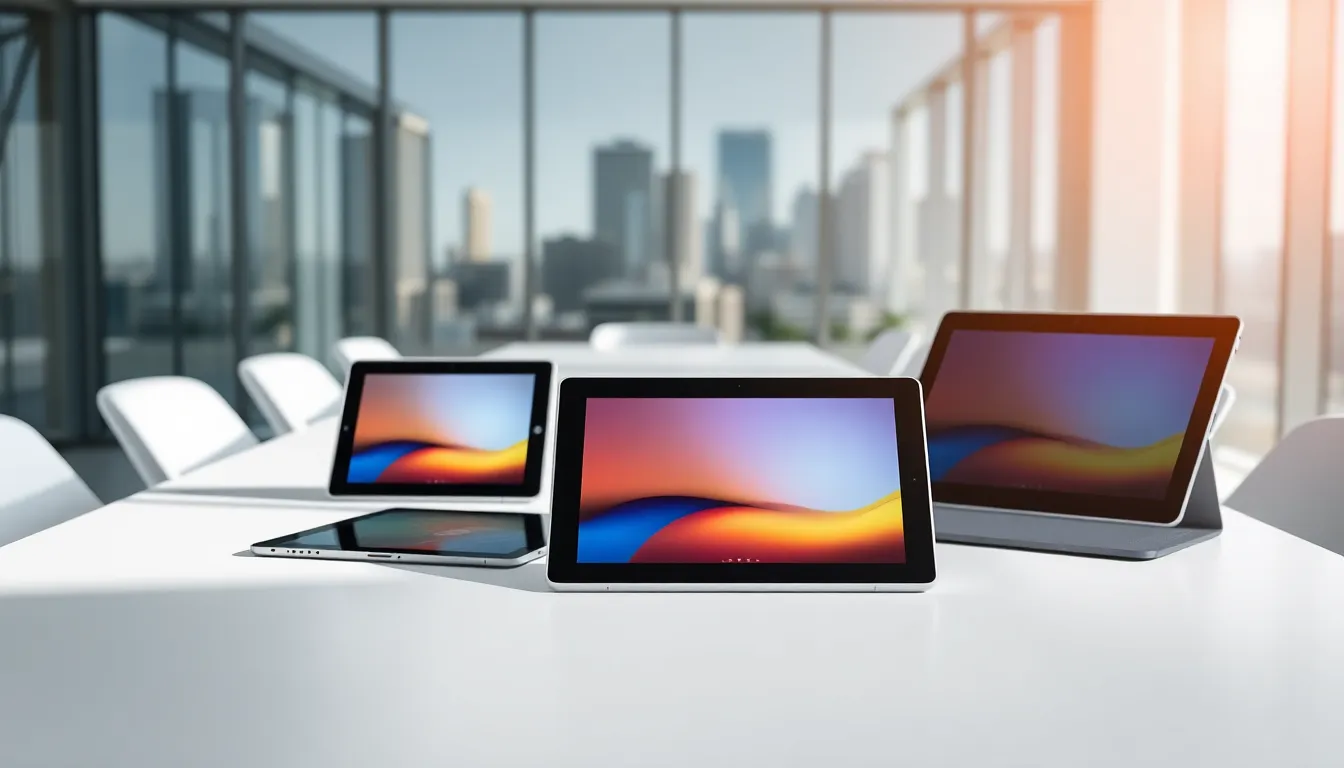
Buying a tablet in 2025 can feel overwhelming. Dozens of brands compete for attention, each promising the best experience. This tablets guide cuts through the noise and helps buyers make smart decisions.
Tablets sit between smartphones and laptops. They offer larger screens than phones but remain more portable than computers. Some people use them for streaming movies. Others rely on them for work presentations or digital art. The right choice depends entirely on individual needs.
This guide covers tablet types, operating systems, key features, and use cases. By the end, readers will know exactly what to look for when shopping for their next device.
Table of Contents
ToggleKey Takeaways
- This tablets guide helps buyers choose between iPadOS, Android, and Windows tablets based on their existing devices and intended use.
- Screen size matters—smaller tablets (7-8 inches) suit reading, while larger tablets (12-13 inches) excel at productivity and content creation.
- Budget-conscious shoppers can find excellent Android tablets under $200, while premium iPads and Windows tablets offer more advanced features at higher prices.
- For entertainment, prioritize display quality and speakers; for productivity, look for keyboard support, at least 8GB RAM, and 256GB storage.
- Creative professionals should choose tablets with stylus support, color-accurate displays, and 500GB or more of storage.
- Battery life typically ranges from 8-12 hours, so frequent travelers should prioritize tablets with 10+ hours and fast charging support.
Understanding Tablet Types and Operating Systems
Tablets come in three main categories based on their operating systems: iPadOS, Android, and Windows. Each system offers distinct advantages.
iPadOS Tablets
Apple’s iPad lineup dominates the premium tablet market. iPadOS provides a smooth, consistent experience across all iPad models. The App Store contains millions of apps optimized specifically for tablets. Apple’s ecosystem works best for users who already own iPhones or Macs.
The iPad lineup includes four tiers: iPad (base model), iPad Mini, iPad Air, and iPad Pro. Prices range from around $350 to over $1,500 depending on specifications.
Android Tablets
Android tablets offer the widest variety of options. Samsung leads this category with its Galaxy Tab series. Other manufacturers include Lenovo, Google, and Amazon.
Android provides more customization than iPadOS. Users can adjust home screens, install apps from multiple sources, and access file systems directly. Budget-conscious buyers find excellent Android tablets under $200.
Windows Tablets
Windows tablets function as full computers in tablet form. Microsoft’s Surface line represents the best-known example. These devices run desktop applications like Microsoft Office, Photoshop, and specialized business software.
Windows tablets suit professionals who need laptop-level power with tablet portability. They typically cost more than Android tablets but less than high-end iPads.
Choosing an operating system depends on existing device ownership and intended use. Someone deep in Apple’s ecosystem should consider an iPad. A user seeking budget options might prefer Android. Business professionals may benefit most from Windows tablets.
Key Features to Consider Before Buying
Selecting the right tablet requires attention to specific features. This section of the tablets guide breaks down the most important specifications.
Display and Performance Specifications
Screen quality matters enormously for tablets. Most users spend hours looking at their tablet displays.
Screen Size
Tablets range from 7 inches to 13 inches. Smaller tablets (7-8 inches) fit easily in bags and work well for reading. Medium tablets (10-11 inches) balance portability with screen real estate. Large tablets (12-13 inches) excel at productivity and content creation.
Resolution and Display Type
Look for at least 1920×1080 resolution on any tablet. Higher-end models offer 2K or 4K displays. OLED and Mini-LED panels deliver better contrast and colors than standard LCD screens. Artists and photographers should prioritize display accuracy.
Processor Power
The processor determines how smoothly a tablet runs. Apple’s M-series chips currently lead in performance. Qualcomm’s Snapdragon processors power most premium Android tablets. Intel and AMD chips appear in Windows tablets.
Casual users don’t need top-tier processors. Basic web browsing, email, and video streaming work fine on mid-range chips. Gamers, video editors, and creative professionals should invest in faster processors.
RAM
Tablets need sufficient RAM for multitasking. Budget models typically include 4GB RAM. Mid-range tablets offer 6-8GB. Professional tablets provide 12-16GB or more.
Battery Life and Storage Options
Battery Capacity
Most tablets last 8-12 hours on a single charge. Actual battery life depends on screen brightness, active apps, and connectivity. Manufacturers measure battery life under ideal conditions, so real-world usage often falls short of advertised numbers.
Buyers who travel frequently should prioritize tablets with 10+ hours of battery life. Fast charging support helps when time runs short.
Internal Storage
Tablets ship with storage ranging from 32GB to 2TB. The base storage on most tablets starts at 64GB or 128GB in 2025.
Apps, photos, and videos consume storage quickly. A streaming-focused tablet might work fine with 64GB. Someone storing large files or creative projects needs 256GB or more.
Expandable Storage
Many Android tablets support microSD cards for additional storage. iPads do not. This limitation pushes some iPad buyers toward higher-capacity (and more expensive) models.
Consider how much content stays on the device versus in cloud storage. Cloud-reliant users can save money by choosing smaller internal storage.
Tablets for Different Use Cases
The best tablet varies based on what someone actually does with it. This tablets guide section matches device types to specific activities.
Entertainment and Media Consumption
Streaming movies, reading books, and casual gaming represent the most common tablet uses. Almost any modern tablet handles these tasks well.
For entertainment, prioritize screen quality and speakers. Samsung Galaxy Tab S9 and iPad Air offer excellent media experiences. Budget options like Amazon Fire HD tablets cost under $150 and stream content perfectly.
Productivity and Work
Work-focused users need keyboard support and app compatibility. The iPad Pro paired with a Magic Keyboard creates a capable work machine. Microsoft Surface tablets run full desktop software.
Look for tablets with at least 8GB RAM and 256GB storage for serious work. Split-screen multitasking and external monitor support add value for power users.
Creative Work
Digital artists and designers need tablets with stylus support. The iPad Pro with Apple Pencil remains the industry standard for illustration. Samsung’s S Pen works well on Galaxy Tab devices.
Creative tablets should have large, color-accurate displays and fast processors. Storage needs run high, 500GB or more suits most creative professionals.
Education
Students benefit from lightweight tablets with long battery life. Note-taking apps replace paper notebooks. E-textbooks and research materials stay accessible anywhere.
The base iPad offers excellent value for students. Chromebook tablets provide affordable alternatives with Google Classroom integration.
Gaming
Mobile gaming demands fast processors, high refresh rate displays, and quality speakers. The iPad Pro delivers the best gaming performance. Android alternatives include the Samsung Galaxy Tab S9 Ultra.
Serious gamers should look for 120Hz displays and support for game controllers.