
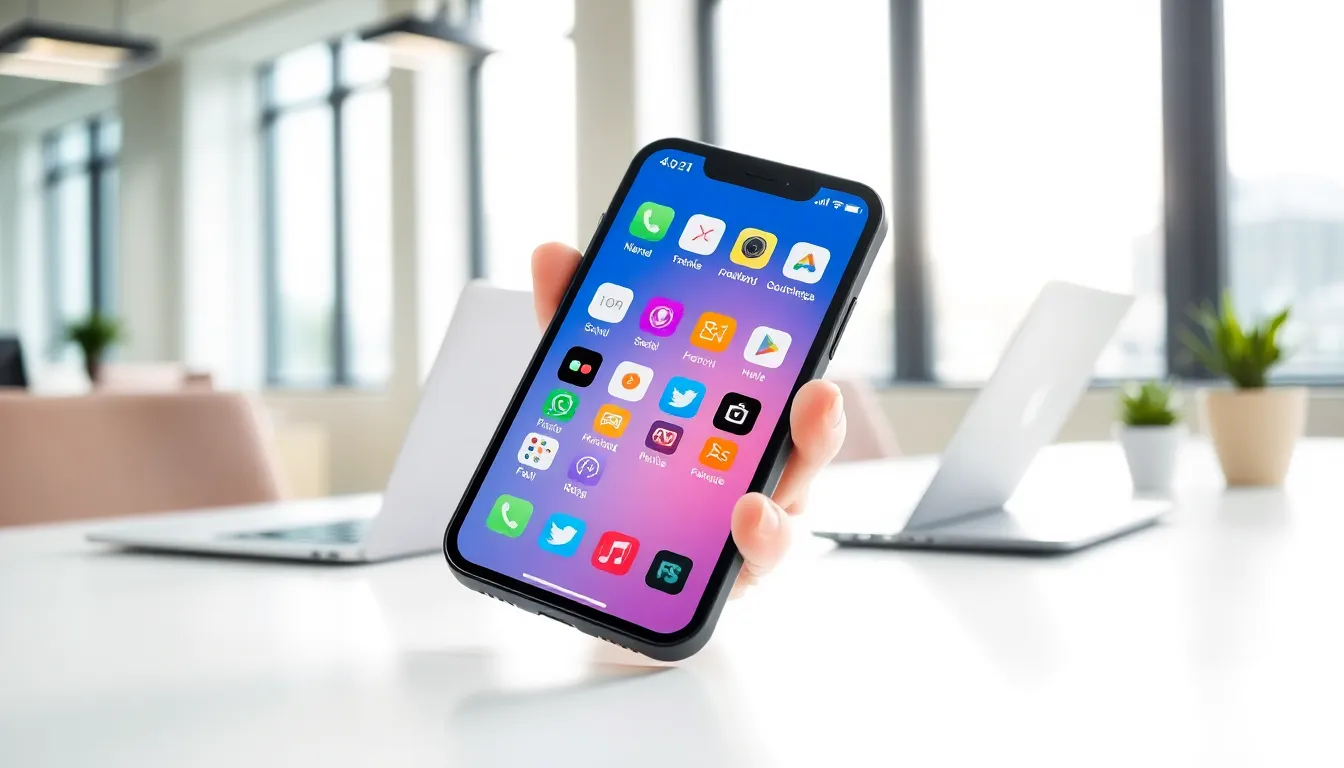
Mobile apps have become part of daily life. From checking the weather to ordering food, people rely on these applications for countless tasks. But what is a mobile app, exactly? A mobile app is software designed to run on smartphones, tablets, and other portable devices. These programs differ from desktop software because they’re built for smaller screens and touch-based interaction. In 2024, users downloaded over 257 billion mobile apps worldwide, proving just how essential these tools have become. This guide explains how mobile apps work, the different types available, and why they matter for both personal and business use.
Table of Contents
ToggleKey Takeaways
- A mobile app is software designed for smartphones and tablets, built specifically for smaller screens and touch-based interaction.
- Mobile apps communicate with device operating systems (iOS or Android) to access features like cameras, GPS, and microphones.
- The three main types of mobile apps are native apps (best performance), web apps (lower cost), and hybrid apps (balance of both).
- Popular mobile app categories include social media, entertainment, productivity, e-commerce, health, finance, and navigation.
- Mobile apps offer key benefits over websites, including faster load times, offline access, personalization, and seamless device integration.
- With over 257 billion downloads in 2024, mobile apps have become essential tools for both personal use and business growth.
How Mobile Apps Work
Mobile apps operate through a straightforward process. A user downloads an app from a store like Apple’s App Store or Google Play. The app then installs on the device and creates an icon on the home screen.
Once installed, mobile apps communicate with the device’s operating system. iOS powers Apple devices, while Android runs on most other smartphones. Each mobile app sends requests to the operating system for resources like the camera, GPS, or microphone.
Many mobile apps also connect to the internet. They send data to remote servers and receive information back. This connection allows features like real-time messaging, cloud storage, and live updates. A weather mobile app, for example, pulls current conditions from a server rather than storing all that data locally.
Some mobile apps work offline too. Games, calculators, and note-taking apps often function without an internet connection. They store all necessary data on the device itself.
The mobile app experience depends heavily on the device’s hardware. Faster processors handle complex tasks better. More RAM allows multiple apps to run smoothly. Storage space determines how many mobile apps a user can keep installed.
Types of Mobile Apps
Mobile apps fall into three main categories. Each type offers distinct advantages depending on the project goals and budget.
Native Apps
Native mobile apps are built specifically for one platform. Developers create iOS apps using Swift or Objective-C. They build Android apps with Java or Kotlin.
These mobile apps deliver the best performance. They access all device features directly and run smoothly because they’re optimized for that specific operating system. Instagram, Spotify, and most banking apps are native mobile apps.
The downside? Companies need separate codebases for iOS and Android. This doubles development time and cost.
Web Apps
Web apps run inside a mobile browser. They’re essentially websites optimized for smaller screens. Users access them through a URL rather than downloading from an app store.
Web mobile apps cost less to develop. One codebase works across all devices. Updates happen instantly on the server side.
But, web apps can’t access all device features. They need an internet connection to function. They also feel slower than native alternatives. Google Docs mobile version is a common example of a web app.
Hybrid Apps
Hybrid mobile apps combine elements of both native and web apps. Developers write code once using frameworks like React Native or Flutter. That code then runs on both iOS and Android.
Hybrid mobile apps offer a middle ground. They cost less than building two native apps. They can access most device features. They also appear in app stores alongside native options.
Performance sits between native and web apps. For many businesses, hybrid mobile apps provide the best balance of cost and functionality.
Common Uses of Mobile Apps
Mobile apps serve nearly every purpose imaginable. Here are the most popular categories:
Social Media, Apps like Facebook, TikTok, and X (formerly Twitter) connect billions of users daily. These mobile apps have changed how people share information and build communities.
Entertainment, Streaming services like Netflix, YouTube, and Spotify deliver media on demand. Gaming mobile apps generate over $90 billion in annual revenue.
Productivity, Email clients, calendars, and document editors help users work from anywhere. Microsoft 365 and Google Workspace mobile apps let teams collaborate in real time.
E-commerce, Shopping apps like Amazon and eBay account for a growing share of retail sales. Mobile apps make browsing and purchasing faster than mobile websites.
Health and Fitness, Tracking apps monitor steps, sleep, and nutrition. Medical mobile apps help patients manage medications and communicate with doctors.
Finance, Banking apps let users check balances, transfer money, and deposit checks. Investment mobile apps have made stock trading accessible to beginners.
Navigation, Google Maps and Waze guide millions of drivers daily. These mobile apps use GPS to provide turn-by-turn directions.
Communication, Messaging apps like WhatsApp and Telegram offer free text, voice, and video calling across borders.
Benefits of Using Mobile Apps
Mobile apps offer clear advantages over websites and desktop software.
Speed, Mobile apps load faster than websites. They store data locally and connect directly to device hardware. Users don’t wait for pages to render.
Convenience, One tap opens a mobile app. Users don’t need to type URLs or remember passwords each time. Push notifications keep them engaged without requiring them to check manually.
Offline Access, Many mobile apps work without internet. Users can read saved articles, play games, or view documents anywhere.
Personalization, Mobile apps remember preferences and behavior. They deliver customized content and recommendations. A news mobile app learns which topics interest each reader.
Device Integration, Mobile apps use cameras, microphones, GPS, and biometric sensors. This integration enables features impossible on websites, like scanning QR codes or unlocking with Face ID.
Better User Experience, Designers build mobile apps specifically for touch interfaces. Gestures like swiping and pinching feel natural. The experience beats zooming around a desktop website on a phone.
Business Value, Companies with mobile apps build stronger customer relationships. They reach users directly through notifications. They collect valuable data about user behavior. Mobile apps also generate revenue through purchases, subscriptions, and advertising.
For these reasons, mobile apps continue growing in importance for both consumers and businesses.