
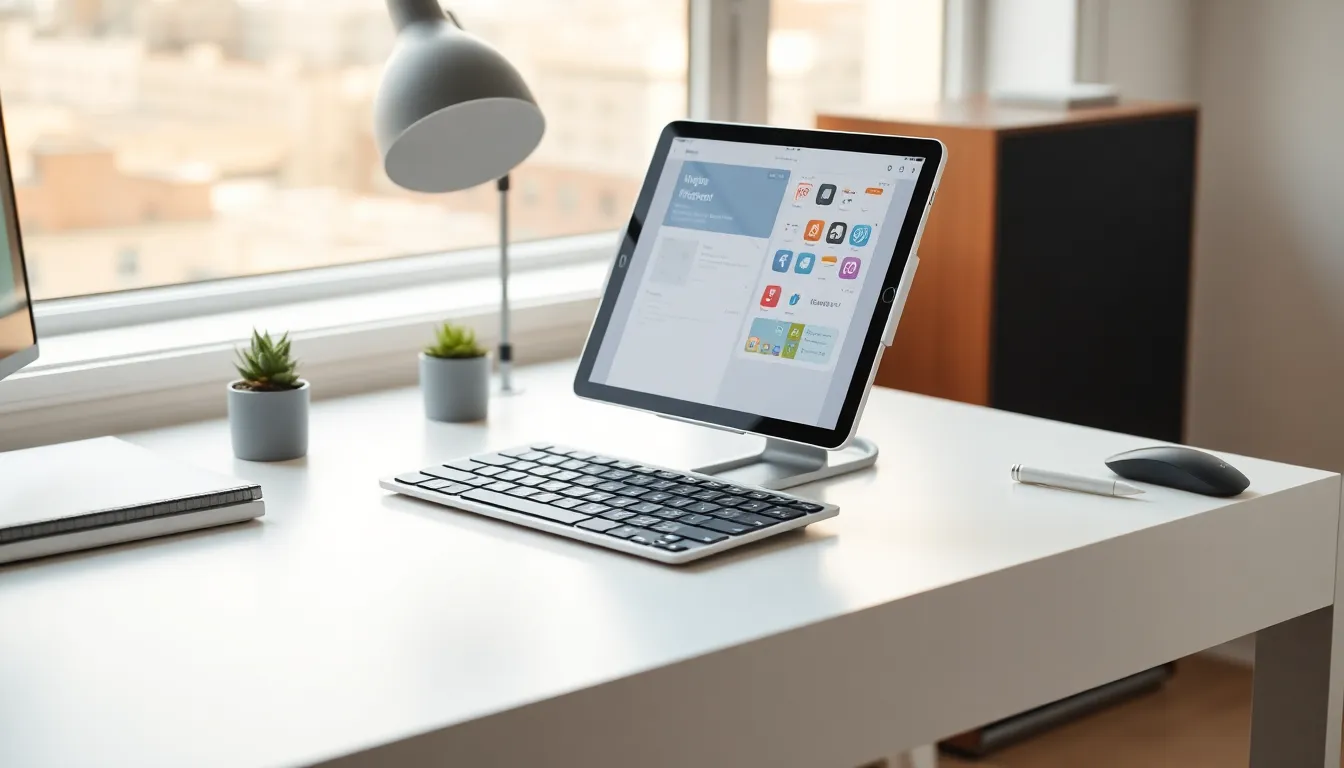
Tablets strategies can transform how users work, play, and stay connected. These portable devices bridge the gap between smartphones and laptops, offering flexibility that suits many lifestyles. Yet many tablet owners only scratch the surface of what their devices can do.
This guide covers practical tablets strategies that help users get more from their investment. From choosing the right device to optimizing settings and staying secure, each section delivers actionable advice. Whether someone uses their tablet for work, entertainment, or both, these strategies will improve their daily experience.
Table of Contents
ToggleKey Takeaways
- Effective tablets strategies start with choosing the right device based on operating system, screen size, storage, and budget.
- Adding a keyboard and stylus transforms your tablet into a productivity powerhouse for work tasks.
- Enable split-screen and multitasking features to run multiple apps side by side and boost efficiency.
- Download content for offline viewing and invest in quality audio accessories to maximize entertainment value.
- Protect your tablet with strong authentication, prompt software updates, and a VPN when using public Wi-Fi.
- Regular maintenance like clearing cache, managing background apps, and using protective cases extends your tablet’s lifespan.
Choosing the Right Tablet for Your Needs
The first step in any tablets strategy starts before the purchase. Picking the right device makes every other decision easier.
Operating System Matters
Tablets run on three main platforms: iPadOS, Android, and Windows. Each has distinct strengths. iPadOS offers a polished ecosystem with strong app support. Android provides flexibility and a wider price range. Windows tablets work best for users who need desktop software on the go.
Consider Screen Size and Resolution
Screen size affects portability and usability. Tablets range from 7 inches to over 12 inches. Smaller tablets fit in bags easily but may strain eyes during long reading sessions. Larger displays suit media consumption and productivity but weigh more.
Resolution also matters. A display with at least 1920×1080 pixels keeps text sharp and images clear. Artists and designers should look for tablets with high color accuracy ratings.
Storage and Memory
Base storage often starts at 64GB or 128GB. Users who store many apps, photos, or videos should aim for 256GB or higher. Some Android tablets offer expandable storage via microSD cards, a cost-effective way to add space later.
RAM affects multitasking. Tablets with 4GB handle basic tasks well. Power users who run multiple apps simultaneously should choose devices with 6GB or 8GB.
Budget vs. Features
Expensive tablets pack premium features, but mid-range options often deliver strong value. Users should list their must-have features first, then find tablets that match without overpaying for extras they won’t use.
Productivity Strategies for Tablet Users
Tablets can replace laptops for many work tasks. The right tablets strategies turn these devices into productivity powerhouses.
Add a Keyboard and Stylus
A physical keyboard transforms typing speed and comfort. Many tablets support detachable keyboards or Bluetooth options. Users who write frequently should invest in this accessory first.
A stylus helps with note-taking, drawing, and precise selections. The Apple Pencil, Samsung S Pen, and third-party options each offer different pressure sensitivity levels and features.
Use Split-Screen and Multitasking Features
Modern tablets support split-screen modes. Users can run two apps side by side, perfect for referencing documents while writing emails. iPadOS calls this Split View. Android tablets offer similar features through their settings menus.
Some tablets also support floating windows. This lets users keep a calculator, notes app, or chat window visible while working in another app.
Cloud Storage Integration
Cloud services like Google Drive, Dropbox, and iCloud keep files accessible across devices. Users should set up automatic syncing for important folders. This practice prevents data loss and makes switching between devices seamless.
Choose the Right Apps
Productivity apps designed for tablets often outperform their phone versions. Microsoft 365, Google Workspace, and Notion all offer tablet-optimized interfaces. Users should explore app stores for tools that match their workflow.
Optimizing Tablet Settings for Performance
Effective tablets strategies include fine-tuning device settings. Small adjustments can boost speed, extend battery life, and improve daily use.
Manage Background Apps
Apps running in the background drain battery and slow performance. Users should regularly close unused apps and review which ones have permission to refresh in the background. Both iPadOS and Android provide controls for this in their settings menus.
Adjust Display Settings
Auto-brightness saves battery by matching screen brightness to ambient light. Users can also reduce the screen timeout period to conserve power when the tablet sits idle.
Dark mode reduces eye strain in low-light conditions and saves battery on tablets with OLED displays. Most apps now support this feature.
Update Software Regularly
Operating system updates bring security patches, bug fixes, and new features. Users should enable automatic updates or check manually each month. Outdated software creates security risks and may cause compatibility issues with newer apps.
Clear Cache and Unused Files
Temporary files accumulate over time and consume storage. Android users can clear app caches through Settings > Storage. iPad users should offload unused apps, which removes the app but keeps its data for easy reinstallation.
Entertainment and Media Consumption Tips
Entertainment ranks among the top uses for tablets. These tablets strategies help users enjoy movies, games, and music to the fullest.
Download Content for Offline Viewing
Streaming services like Netflix, Disney+, and Spotify allow downloads for offline use. Users should download shows and playlists before flights or trips to areas with poor connectivity. This saves data and ensures uninterrupted entertainment.
Invest in Quality Audio
Tablet speakers vary widely in quality. External Bluetooth speakers or headphones improve the audio experience significantly. Noise-canceling headphones work especially well during travel.
Customize Gaming Controls
Many mobile games support external controllers. Bluetooth gamepads provide better control than touchscreens for action and racing games. Some tablets also support mouse and keyboard input for certain titles.
Use a Tablet Stand
A good stand holds the tablet at a comfortable viewing angle. Adjustable stands work for both horizontal video watching and vertical reading. Some stands include built-in charging capabilities.
Security and Maintenance Best Practices
Protecting a tablet from threats and wear extends its useful life. These tablets strategies keep devices secure and running smoothly.
Enable Strong Authentication
Passcodes, fingerprint readers, and face recognition prevent unauthorized access. Users should choose authentication methods they’ll actually use, a skipped lock screen offers no protection. Six-digit PINs or alphanumeric passwords provide better security than four-digit codes.
Install Updates Promptly
Security updates patch vulnerabilities that hackers exploit. Delaying updates leaves devices exposed. Users should install updates within a day or two of their release.
Be Cautious with App Downloads
Official app stores screen submissions for malware, but threats still slip through. Users should read reviews, check developer credentials, and avoid apps that request unnecessary permissions. A flashlight app doesn’t need access to contacts.
Use a VPN on Public Wi-Fi
Public networks at coffee shops, airports, and hotels carry risks. A VPN encrypts internet traffic and protects sensitive data from interception. Many affordable VPN services offer tablet apps.
Protect the Hardware
A quality case prevents damage from drops and scratches. Screen protectors add another layer of defense. Users should also clean their tablets regularly with microfiber cloths to remove fingerprints and debris from ports.