
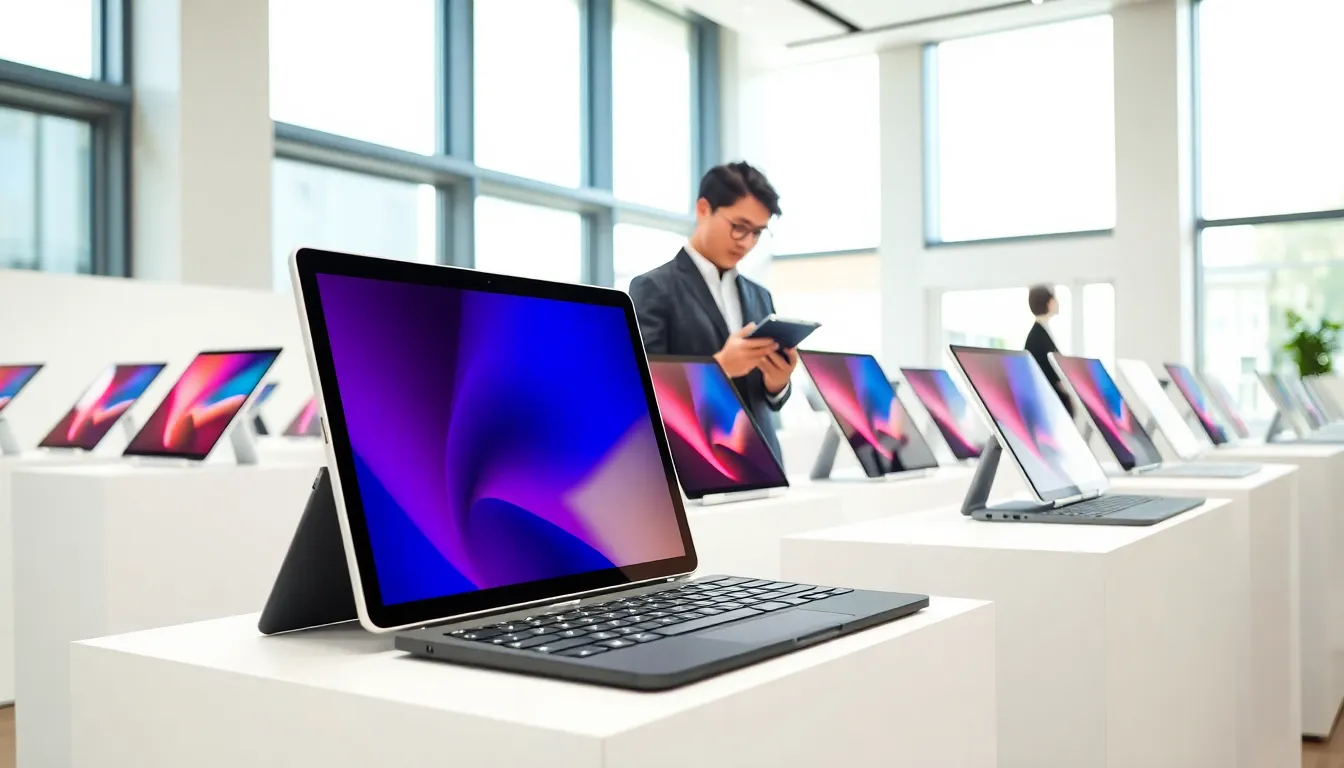
Finding the top tablets in 2025 requires more than scrolling through online reviews. The market has expanded significantly, with options ranging from budget devices under $200 to premium slates costing over $1,500. Each category serves distinct users, students, creative professionals, casual browsers, and enterprise workers.
This guide breaks down what matters most when selecting a tablet. It covers the best picks across price ranges, compares tablets to laptops, and helps buyers make informed decisions. Whether someone needs a device for streaming, digital art, or productivity, understanding the current landscape makes the difference between a smart purchase and buyer’s remorse.
Table of Contents
ToggleKey Takeaways
- The top tablets in 2025 range from budget options under $200 to premium devices over $1,500, each designed for different user needs.
- Display quality, processing power, battery life, and accessory ecosystems are the most important factors when choosing a tablet.
- Apple iPad Pro (M4) and Samsung Galaxy Tab S10 Ultra lead the premium category with desktop-class performance and stunning displays.
- Budget buyers can find capable options like the iPad 10th Generation ($349) or Samsung Galaxy Tab A9+ ($219) for everyday tasks.
- Top tablets excel at portability and media consumption but still can’t fully replace laptops for heavy productivity or specialized software.
- Consider a hybrid approach—using a tablet for travel and creative work while keeping a laptop for complex professional tasks.
What to Look for When Choosing a Tablet
Selecting from the top tablets available today starts with understanding personal needs. A few key factors separate a satisfying purchase from a disappointing one.
Display Quality
Screen size and resolution matter tremendously. Most tablets range from 8 to 13 inches. Larger displays suit productivity and media consumption, while compact options offer better portability. Look for at least 1920×1080 resolution for crisp text and images. OLED and mini-LED panels deliver superior contrast and color accuracy, ideal for artists and video editors.
Processing Power
The processor determines how smoothly apps run. Apple’s M-series chips and Qualcomm’s Snapdragon 8 Gen 3 lead the pack for performance. Budget shoppers can still find capable options with MediaTek Helio or older Snapdragon processors, though they may struggle with demanding tasks.
Battery Life
Most modern tablets promise 10-12 hours of use. Real-world performance varies based on screen brightness and activity type. Streaming video drains batteries faster than reading ebooks. Check independent reviews for actual battery test results rather than relying on manufacturer claims.
Storage and RAM
Base models often ship with 64GB or 128GB of storage. Power users who store videos, games, or large files should consider 256GB or higher. RAM affects multitasking, 4GB works for basic use, but 8GB or more handles split-screen apps and creative software better.
Accessory Ecosystem
Keyboards, styluses, and cases extend tablet functionality. Apple’s Magic Keyboard transforms an iPad into a laptop replacement. Samsung’s S Pen comes included with many Galaxy Tab models. Before buying, check what accessories exist and their costs, they can add hundreds to the total investment.
Best Tablets for Different Needs
The top tablets of 2025 fall into distinct categories. Here’s what stands out in each segment.
Premium Tablets for Power Users
Apple iPad Pro (M4)
Apple’s flagship remains the benchmark for premium tablets. The M4 chip delivers desktop-class performance. Its OLED display produces stunning visuals with true blacks. Professional video editors, illustrators, and developers consistently praise its capabilities. Starting at $999, it’s an investment, but the performance justifies the price for serious users.
Samsung Galaxy Tab S10 Ultra
Samsung’s answer to the iPad Pro features a massive 14.6-inch display and the included S Pen. Android users appreciate its flexibility with file management and app sideloading. The Snapdragon 8 Gen 3 processor handles everything from 4K video editing to heavy gaming. At $1,199, it competes directly with Apple’s top offerings.
Microsoft Surface Pro 11
This device blurs the line between tablet and laptop. Running full Windows 11, it executes desktop software that mobile operating systems can’t touch. Business professionals who need Excel, Photoshop, or specialized industry software often prefer this route. The detachable keyboard and kickstand make it versatile for different work situations.
Budget-Friendly Options
Apple iPad (10th Generation)
At $349, this iPad offers excellent value. The A14 Bionic chip handles everyday tasks smoothly. iPadOS provides access to high-quality apps optimized for tablets. Students and casual users find it more than sufficient for notes, streaming, and light gaming.
Samsung Galaxy Tab A9+
Samsung’s budget entry costs around $219 and delivers solid performance for the price. The 11-inch display works well for reading and video. One UI adds useful features like split-screen multitasking. It won’t impress power users, but families and first-time tablet buyers will find it capable.
Amazon Fire Max 11
Amazon’s top tablets in their Fire lineup hit $229 and integrate deeply with Alexa and Amazon services. The 11-inch display and aluminum body feel premium even though the price. Users tied to Amazon’s ecosystem, Prime Video, Kindle, Audible, get particular value here. Just note that Google Play Store access requires workarounds.
How Tablets Compare to Laptops
Many buyers wonder whether top tablets can replace laptops entirely. The answer depends on workflow and expectations.
Advantages of Tablets
Tablets excel at portability. Most weigh under 1.5 pounds and slip easily into bags. Touchscreens make them intuitive for media consumption, casual browsing, and reading. Battery life typically exceeds what laptops offer. Creative professionals appreciate direct pen input for drawing and note-taking.
Where Laptops Still Win
Typing remains easier on a physical keyboard. While tablet keyboards have improved, they still can’t match the tactile feedback and key travel of laptop keyboards. File management on tablets feels restrictive compared to Windows or macOS. Some professional software simply doesn’t exist on tablet platforms, full Adobe Premiere, advanced CAD programs, and many enterprise applications require traditional computers.
The Hybrid Approach
Many users now own both devices. They use tablets for consumption, travel, and creative work, then switch to laptops for heavy productivity. Microsoft’s Surface line and iPad Pro with keyboard accessories attempt to serve both roles. These solutions work for some users but require compromises.
For students taking notes and consuming content, a tablet often suffices. For professionals producing complex documents or running specialized software, laptops remain essential. The decision comes down to primary use cases.